The Sky Is Calling: A Beginner’s Complete Guide to Drone Flying
Everything you need to know about getting into drones, from the parts to the rules.
Introduction: Why Drones?
There’s something about launching a drone into the air for the first time. One second it’s in your hand. The next it’s soaring hundreds of feet up, showing you the world from a perspective most people never see.
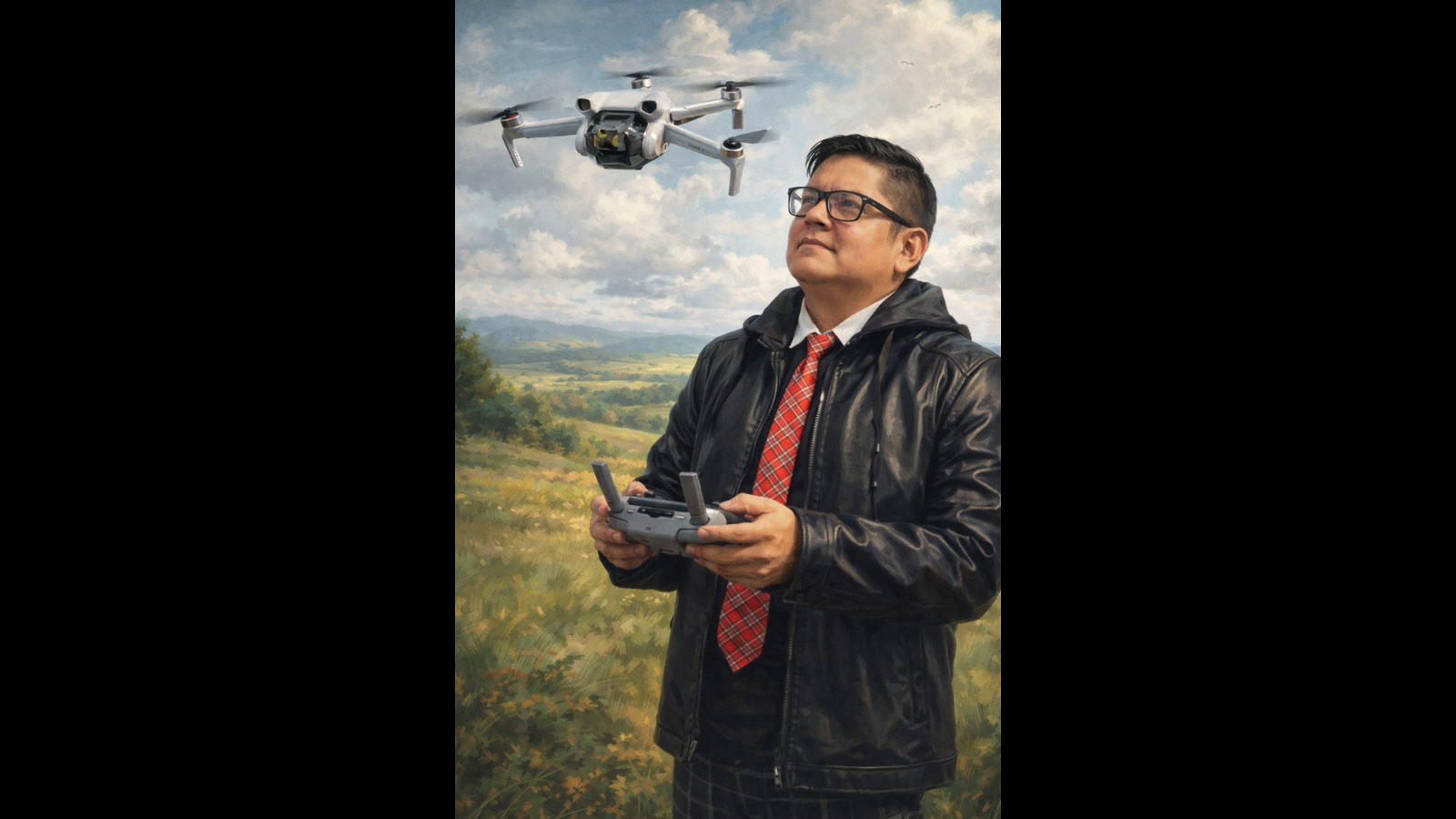
I started with a Mavic 3. Great drone, incredible camera. But I wanted to nail the fundamentals. So I grabbed a Mini 3 to focus on one thing: getting the perfect shot. For me, drone flying is about creating poetry in the sky. Every movement, every angle, every frame matters when you’re chasing that one shot worth keeping.
Whether you want to capture aerial photography, race through obstacle courses, or just enjoy the thrill of flight, drones open up a world of technology, creativity, and fun.
This guide breaks down everything. The parts. The physics. The rules. The tips you need to fly with confidence.
How Do Drones Fly?
Drones operate on the same physics as all aircraft, but in a simpler way.
The Four Forces
Every flying machine deals with four forces:
Lift: The upward force created when propellers spin and push air down. Newton’s Third Law at work. Push air down, air pushes the drone up.
Weight: Gravity pulling down. To hover, lift must match the drone’s weight exactly.
Thrust: The force moving the drone in a direction. On a quadcopter, thrust comes from tilting the entire aircraft, which angles the lift force to create horizontal movement.
Drag: Air resistance opposing movement.
How a Quadcopter Controls Movement
A quadcopter has four motors, each spinning a propeller. By changing individual motor speeds, the drone does everything:
Hover: All four motors spin at the same speed, producing lift equal to weight.
Ascend/Descend: Increase or decrease all motor speeds equally.
Move Forward (Pitch): Rear motors spin faster than front motors, tilting the drone forward and converting some lift into thrust.
Move Sideways (Roll): One side speeds up while the other slows down, tilting the drone left or right.
Rotate (Yaw): Two diagonal motors spin clockwise, two spin counterclockwise. Adjusting the balance between these pairs makes the drone rotate in place.
The flight controller (the drone’s brain) makes these adjustments hundreds of times per second. This is why modern drones feel stable and responsive even in wind.
Anatomy of a Drone: Every Part Explained
Let’s break down every major component and what it does.
1. The Frame
The frame is the drone’s skeleton. It holds every other component together.
Frames come in different configurations. The most common is the quadcopter (four arms). You’ll also see hexacopters (six arms) and octocopters (very eight arms) for heavier payloads. Frame size is measured diagonally between motor mounts. A “250mm” frame means 250mm from one motor to the opposite motor.
Materials:
Carbon fiber: Lightweight, strong, resistant to vibration. The go-to for performance drones.
Plastic/Polycarbonate: Affordable and durable for beginner drones. Most consumer drones like the DJI Mini series use engineering-grade plastics.
Aluminum: Durable but heavier. Less common in aerial platforms.
The frame determines what size propellers you use, which motors fit, and how much weight the drone carries. It’s the foundation.
2. Motors
Motors are the muscles. They spin the propellers to create lift and thrust. Almost all modern drones use brushless motors because they’re more efficient, more powerful, and last longer than brushed motors.
Key motor specs:
Size (example: 2207): The first two digits are stator diameter (22mm), the last two are stator height (7mm). Bigger stators mean more power.
KV Rating: This tells you how many RPMs the motor produces per volt. Higher KV means faster spinning with less torque (great for racing). Lower KV means more torque at lower speeds (great for carrying cameras and smooth cinematography).
A standard quadcopter uses four motors. Two spin clockwise and two spin counterclockwise. This balances out the rotational torque so the entire drone doesn’t spin.
3. Propellers
Propellers move the air and generate lift. They’re described by two numbers: diameter and pitch. A “5×4.3” propeller is 5 inches in diameter with a 4.3-inch pitch (the theoretical distance it would travel forward in one full rotation).
Blade count:
Two-blade: More efficient, slightly less thrust.
Three-blade: The sweet spot for most drones. Good balance of thrust, efficiency, and smooth flight.
Four+ blades: Maximum thrust but reduced efficiency.
Propellers are consumables. You will break them while learning. Always carry spares. Consumer drones like the DJI Mini series come with folding propellers you replace easily.
4. Electronic Speed Controllers (ESCs)
ESCs are the translators between the flight controller’s brain and the motors. They take digital commands from the flight controller and convert them into regulated electrical power delivered to each motor.
Each motor gets its own ESC. In many modern builds, a single 4-in-1 ESC board handles all four motors to save weight and simplify wiring. ESCs are rated by current capacity. A “30A ESC” delivers up to 30 amps continuously to a motor.
Modern ESCs use communication protocols like DShot for faster, more precise control signals compared to older methods. In pre-built consumer drones, this is all handled internally. You don’t need to worry about it, but it’s good to know what’s happening.
5. The Flight Controller (FC)
If the frame is the skeleton and motors are the muscles, the flight controller is the brain. This small circuit board is the most important component on any drone.
What it does:
Contains gyroscopes and accelerometers (called an IMU, Inertial Measurement Unit) to detect the drone’s orientation and movement.
Processes pilot inputs from the radio controller.
Runs algorithms to adjust motor speeds thousands of times per second to maintain stability.
Manages features like GPS hold, return-to-home, altitude hold, and obstacle avoidance.
Modern flight controllers run sophisticated firmware like Betaflight (for custom/FPV builds) or proprietary software (like DJI’s in their consumer drones). This software makes modern drones beginner-friendly. It handles all the complex math of balancing four motors while you push a joystick.
6. Battery
Drones are power-hungry machines. Almost all run on Lithium Polymer (LiPo) batteries due to their excellent power-to-weight ratio.
Key battery specs:
Cell Count (S): Each LiPo cell provides 3.7V nominal. A “4S” battery equals 14.8V. A “6S” battery equals 22.2V. More cells mean more voltage, which means more power.
Capacity (mAh): How much energy the battery stores. Higher mAh means longer flight time, but also more weight.
C Rating: The maximum safe discharge rate. A 1500mAh 75C battery discharges at 112.5 amps.
Consumer drones like the DJI Mini series use intelligent batteries with built-in management systems. These monitor charge levels, temperature, and cell health, making them much safer and easier to manage than raw LiPo packs.
Pro tip: Follow LiPo safety. Never charge unattended, store at proper voltage levels, and never puncture or over-discharge them.
7. Camera
For most people, the camera is the whole reason they got into drones. I know it was for me.
When I moved from the Mavic 3 to the Mini 3, I wasn’t downgrading. I was focusing. The Mavic 3 has a beast of a camera, but the Mini 3 forced me to think differently about composition, lighting, and movement. Every shot had to be intentional. No relying on post-processing to fix mistakes. Get it right in the air.
Drone cameras have evolved. They now rival dedicated action cameras in quality.
What to look for:
Resolution: 4K is the current standard for consumer drones. Some higher-end models shoot in 5.4K or even 8K.
Sensor size: Larger sensors capture more light and detail. The DJI Air 3 uses a 1/1.3-inch sensor, while the Mavic 3 Pro features a 4/3 Hasselblad sensor.
Frame rate: Higher frame rates (60fps, 120fps) enable smooth slow-motion footage.
For FPV (First Person View) drones, a separate low-latency camera provides the real-time video feed to your goggles, while a second HD camera records the footage.
8. Gimbal
A gimbal is a motorized stabilization system. It keeps the camera steady, even when the drone is moving, turning, or getting buffeted by wind.
How it works: The gimbal uses its own IMU (sensors) to detect the drone’s movements. Tiny, fast motors compensate in the opposite direction to keep the camera level. Most consumer drones use a 3-axis gimbal for stabilization across pitch (up/down tilt), roll (side-to-side tilt), and yaw (left/right rotation).
Without a gimbal, your aerial footage would be shaky and unusable. With one, you get smooth cinematic shots. It’s one of the most critical components for anyone interested in aerial photography or videography.
9. GPS Module
The GPS module gives your drone spatial awareness. It knows where it is in the world, how high it is, and how fast it’s moving.
How it works: The module receives signals from multiple satellites simultaneously. By calculating the time each signal takes to arrive, it triangulates the drone’s exact position in 3D space (latitude, longitude, and altitude).
GPS enables critical features:
Position Hold: The drone locks its position in the air without drifting, even in wind.
Return to Home (RTH): If you lose signal or the battery gets low, the drone flies back to where it took off.
Waypoint Navigation: Program a flight path, and the drone flies it autonomously.
Geofencing: Prevents the drone from entering restricted airspace.
Modern drones use multi-constellation GNSS, meaning they connect to GPS (US), GLONASS (Russia), Galileo (EU), and BeiDou (China) satellite systems simultaneously for maximum accuracy.
10. Radio Control System (Transmitter & Receiver)
This is your direct link to the drone. The transmitter (your controller) sends your stick inputs wirelessly to the receiver mounted on the drone, which passes those commands to the flight controller.
Key components:
Transmitter: The handheld controller with two joysticks. The left stick controls throttle (up/down) and yaw (rotation). The right stick controls pitch (forward/back) and roll (left/right).
Receiver: A small module on the drone picking up signals from your transmitter.
Protocols: Systems like ExpressLRS (ELRS), DJI OcuSync, or FrSky determine range, latency, and reliability.
Consumer drones from DJI, Autel, and others come with purpose-built controllers. These include smartphone screens or built-in displays showing a live video feed, telemetry data, and a map view.
FAA Rules: What You Need to Know Before Flying in the US
Flying a drone in the United States is legal, but the FAA has clear rules you must follow. Here’s what recreational pilots need to know as of 2026:
TRUST Test: All recreational pilots must pass the free Recreational UAS Safety Test (TRUST) and carry proof while flying.
Registration: Drones weighing more than 250g (0.55 lb) must be registered with the FAA ($5 per drone, valid for 3 years).
Remote ID: Most registered drones must broadcast identification and location data during flight. Like a digital license plate.
Altitude Limit: Stay at or below 400 feet above ground level (AGL).
Visual Line of Sight: You must be able to see your drone with your own eyes at all times. No binoculars, no relying solely on a video feed.
Airspace Authorization: Use the B4UFLY app or LAANC system to check restrictions and get authorization before flying in controlled airspace.
Yield to Aircraft: Always give way to manned aircraft and emergency operations.
No Flying Over People: Don’t fly over crowds, large gatherings, or moving vehicles.
Important reminders:
Never fly under the influence of drugs or alcohol.
You don’t need to register drones under 250g if you’re a recreational pilot. This is one big reason the DJI Mini series (which weighs 249g) is so popular.
If you want to fly drones for commercial purposes (making money), you’ll need a Part 107 Remote Pilot Certificate, which requires passing an aeronautical knowledge exam.
New FAA rules expected in 2026 under Part 108 will open up Beyond Visual Line of Sight (BVLOS) operations for commercial drones. A huge shift for the industry.
Best Beginner Drones in 2026
If you’re ready to buy your first drone, here are the top options balancing ease of use, features, and value:
DJI Mini 4K: Budget entry point. Crisp 4K video, under 250g, affordable. Around $299.
DJI Mini 3 Pro: Budget plus features. Obstacle avoidance, 4K, under 250g. Around $400 to $500.
DJI Neo 2: Easiest to learn. Palm takeoff, autonomous tracking, no controller needed. Around $200 to $300.
DJI Flip: Casual fun. Compact, caged design for indoor/outdoor. Around $400.
DJI Mini 4 Pro: Serious beginner. Full obstacle avoidance, excellent camera, great safety features. Around $600 to $750.
DJI Mini 5 Pro: Best long-term investment. Top-tier image quality, advanced features, under 250g. Around $800 and up.
The DJI Mini 4K is a standout for pure beginners. Lightweight, easy to control, and budget-friendly. If you want the easiest start, the DJI Neo 2 takes off from your palm and tracks you automatically, even without a controller. For those who want room to grow, the DJI Mini 4 Pro or Mini 5 Pro offer advanced features you won’t outgrow quickly.
Tips for Your First Flights
Getting airborne for the first time is exhilarating and a little nerve-wracking. Here’s how to make it smooth:
Before You Fly
Check the weather: Avoid rain and strong winds. Apps like UAV Forecast are built for drone pilots and show wind speed, satellite count, and flight conditions at a glance.
Calibrate your compass: Follow the on-screen prompts every time you fly in a new location. This prevents erratic flight behavior.
Inspect your gear: Check propellers for cracks, ensure batteries are charged, and remove the gimbal cover from the camera.
Check airspace: Open the B4UFLY app to make sure you’re in a legal flying zone.
Choose an open area: Find a large, open field away from trees, buildings, power lines, and people for your first flights.
During Your Flight
Start low and slow: Practice hovering at about 5 feet before doing anything fancy. Get comfortable with the controls.
Master the basics first: Practice takeoff, hovering, landing, and simple directional movements before attempting cinematic maneuvers.
Keep line of sight: Always know where your drone is. If it gets too far away or too high, bring it back.
If you panic, let go of the sticks: Modern drones will stop and hover in place when you release the controls. This is your safety net.
Watch your battery: Land with at least 20 to 30 percent battery remaining. Don’t push it. A dead battery means an uncontrolled landing (a crash).
After Your Flight
Review your footage: Watching your flights back helps you improve faster and spot areas to work on.
Store batteries properly: Don’t leave LiPo batteries fully charged or fully depleted for extended periods. Most intelligent batteries have a storage discharge mode.
Clean your drone: Wipe down the camera lens, check for debris in the motors, and inspect propellers for damage.
Where to Go From Here
Once you’ve nailed the basics, the drone world opens up:
Aerial Photography/Videography: Master camera settings, composition, and cinematic movements to create stunning content. This is where I live. Every flight is a chance to capture something worth keeping.
FPV (First Person View) Flying: Strap on goggles and experience immersive, high-speed flight. This is a whole sub-hobby with its own builds and community.
Part 107 Certification: Get your commercial drone license and start offering services like real estate photography, mapping, inspections, or event coverage.
Drone Racing: Join organized racing leagues and compete at high speed through obstacle courses.
Custom Building: Build your own drone from scratch, choosing every component for maximum performance and customization.
Community: Join online forums, local flying clubs, and FAA-recognized Community-Based Organizations (CBOs) to learn from experienced pilots and find flying buddies.
The barrier to entry has never been lower. A quality beginner drone costs less than a gaming console, the TRUST test is free, and the community welcomes newcomers.
The only question is: are you ready to take off?
Happy flying. The sky isn’t the limit. It’s where the story begins.